Capture it while it is fresh. Come back to a note that makes sense. Follow one thought through Voxment.
SCROLL TO EXPLORE ↓
01CAPTURE
Before the thought
slips away.
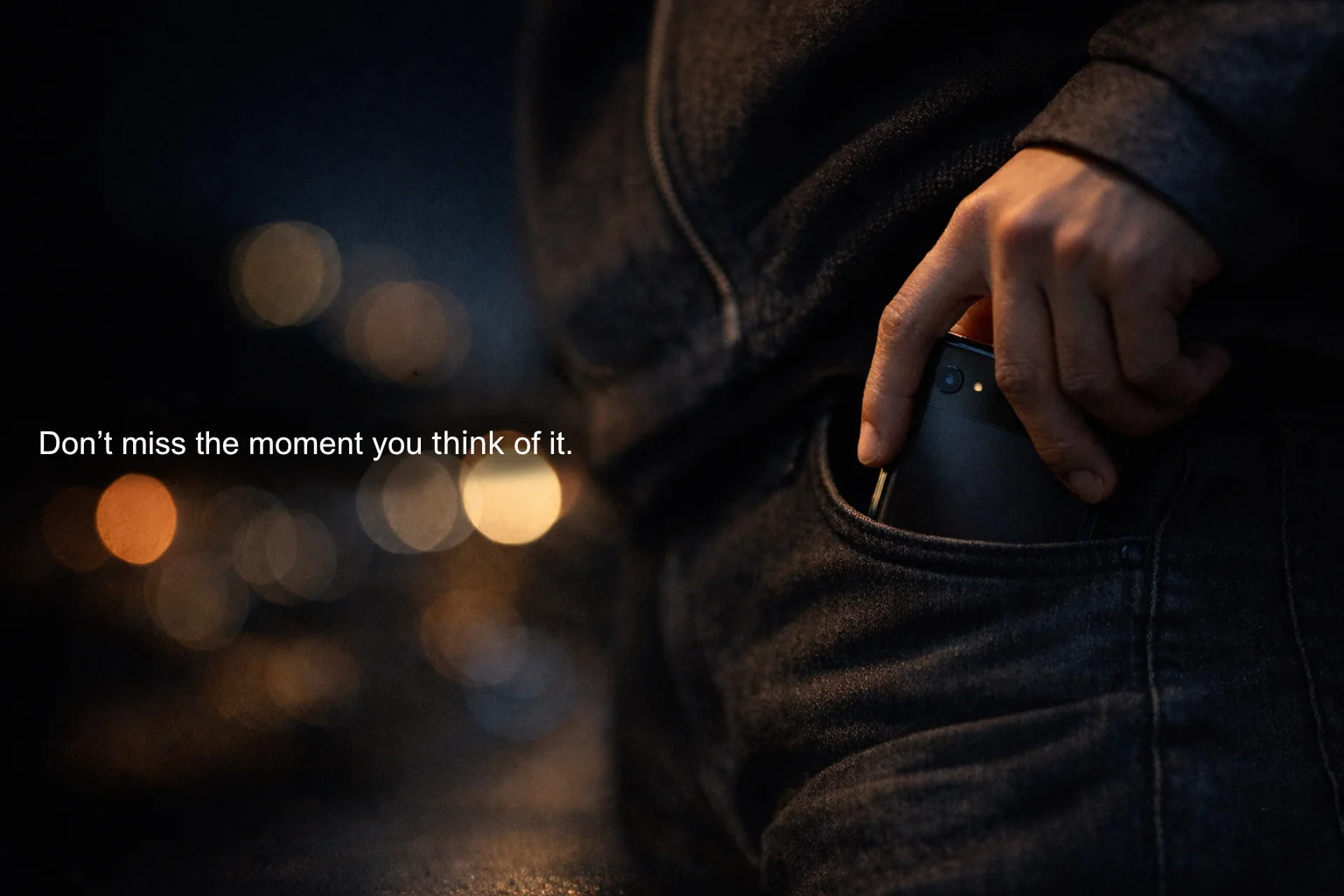
Long-press the power button and start speaking. No need to find the app or put your thoughts in order first.
Your voice is the starting point.
ILLUSTRATIVE DEMO / 01
● Recording
“Let’s show ten photos. We should choose the shortlist by Friday and share it with the group. We also talked about arranging the photos so they are easy to view.”
02AI NOTES
Find the meaning
in your words.
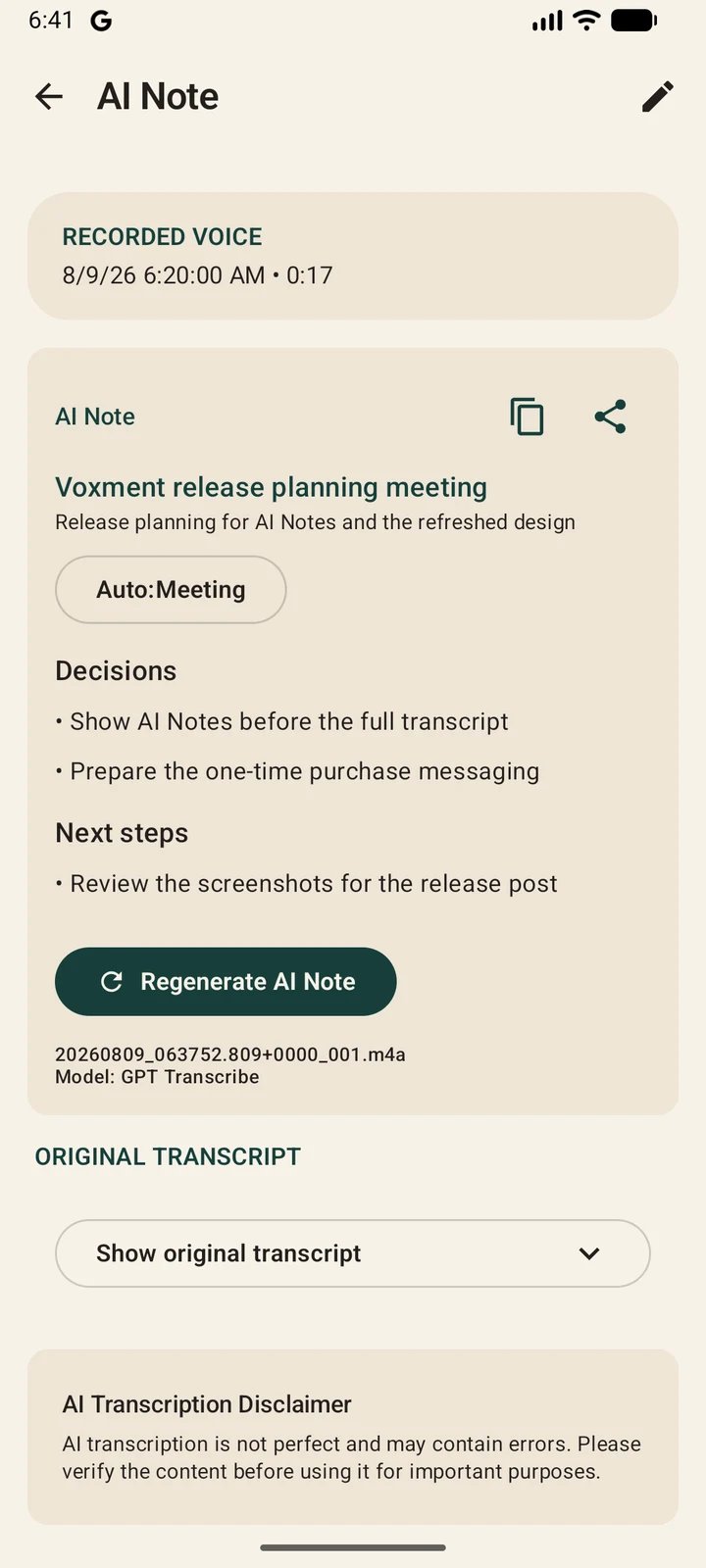
Turn a transcript into an AI Note with decisions, reasons, and next actions. Keep the original transcript close by when you want the details.
A record you can read, revisit, and use.
ILLUSTRATIVE DEMO / 02
AI NOTE
Planning the photo exhibition
We agreed to exhibit ten photos, choose a shortlist by Friday, and share it with the group. We also discussed how to arrange the exhibition.
Next action
Review the candidate photos.
↳Let’s show ten photos. We should choose the shortlist by Friday and share it with the group. We also talked about arranging the photos so they are easy to view.
03VOICE EDITING
“Put the decisions
in a list.”
Tell the AI Note what you want to change. Review the transcribed instruction, then update the note to suit the way you want to read it.
Try the example on this page. No microphone needed.
ILLUSTRATIVE DEMO / 03
AI NOTE
Planning the photo exhibition
We agreed to exhibit ten photos, choose a shortlist by Friday, and share it with the group. We also discussed how to arrange the exhibition.
TRY VOICE EDITING
“Put the decisions in a bulleted list.”
An example animation using sample text. It does not record audio or call an AI service.
04TAKE IT WITH YOU
Let the thought
keep going.
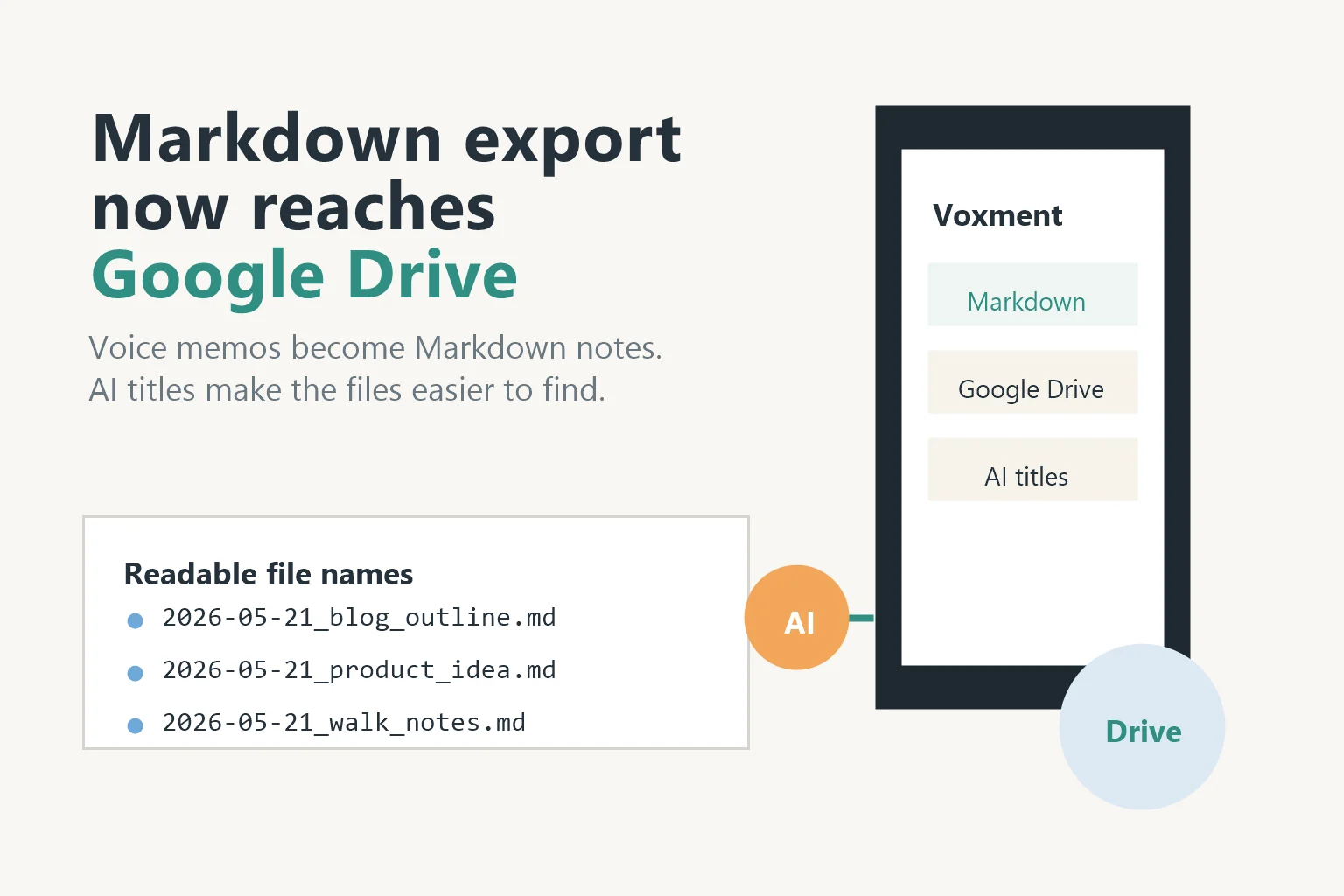
Export your notes as Markdown and sync with Google Drive. Bring your record into the notes and tools you already use.
Ready for what comes next.
ILLUSTRATIVE DEMO / 04
↗photo-exhibition.md
# Planning the photo exhibition
## Decisions
– Exhibit ten photos.
– Choose the shortlist by Friday.
– Share the selection with the group.
Markdown→Google Drive
A note that goes with you
ILLUSTRATIVE DEMO01 / 04
● Recording
“Let’s show ten photos. We should choose the shortlist by Friday and share it with the group. We also talked about arranging the photos so they are easy to view.”
AI NOTE
Planning the photo exhibition
We agreed to exhibit ten photos, choose a shortlist by Friday, and share it with the group. We also discussed how to arrange the exhibition.
Next action
Review the candidate photos.
↳Let’s show ten photos. We should choose the shortlist by Friday and share it with the group. We also talked about arranging the photos so they are easy to view.
AI NOTE
Planning the photo exhibition
We agreed to exhibit ten photos, choose a shortlist by Friday, and share it with the group. We also discussed how to arrange the exhibition.
An example animation using sample text. It does not record audio or call an AI service.
Some thoughts arrive before the words are ready.
Start with your voice.
— Make sense of it, in your own time
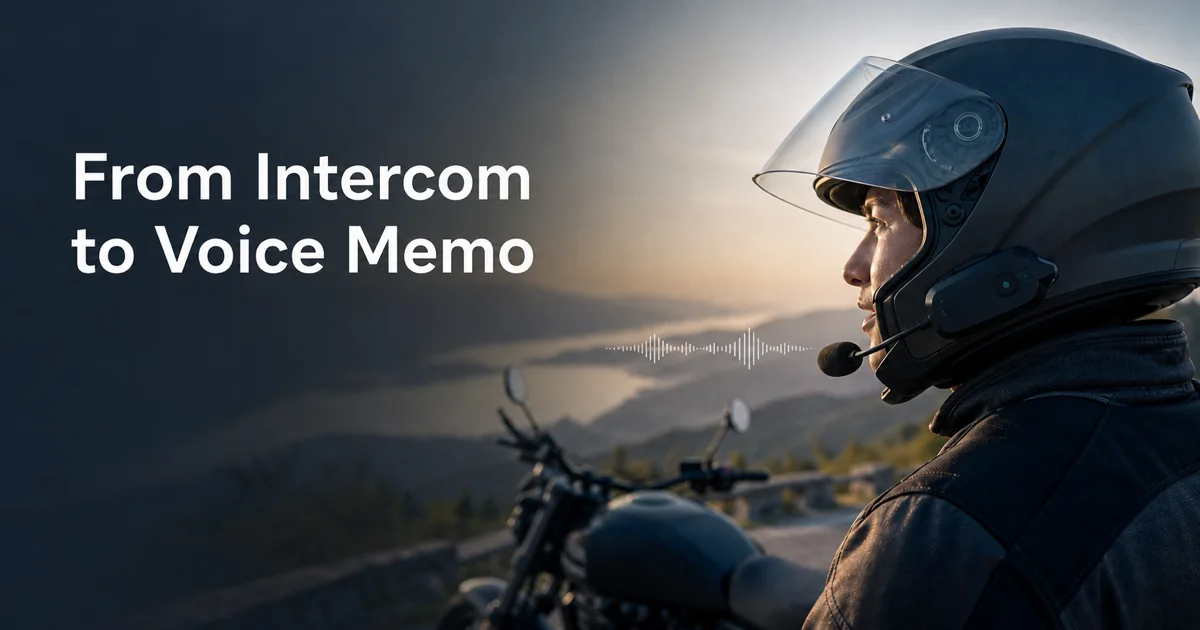
INTERCOM MODE — ALPHA
Record without taking your hands off the ride.
Launch Voxment from a Bluetooth intercom assistant button and capture a voice memo hands-free. Recording can stop automatically after silence, then bring Google Maps back to the foreground.
AVAILABLE ON FREE PLAN
ALPHA
COMPATIBILITY VARIES
01
PRESS
Press the assistant button on your intercom.
02
SPEAK
Capture the thought while it is still moving.
03
RETURN
Stop after silence and return to navigation.
Intercom Mode is currently in alpha. Availability depends on the device and Bluetooth connection; operation is not guaranteed on every intercom.
Features
CAPTURE
Record without opening the app
A long-press of the power button launches it instantly. No hunting for icons — the thought and the recording happen at the same moment.
TRANSCRIBE
Turn voice into searchable text
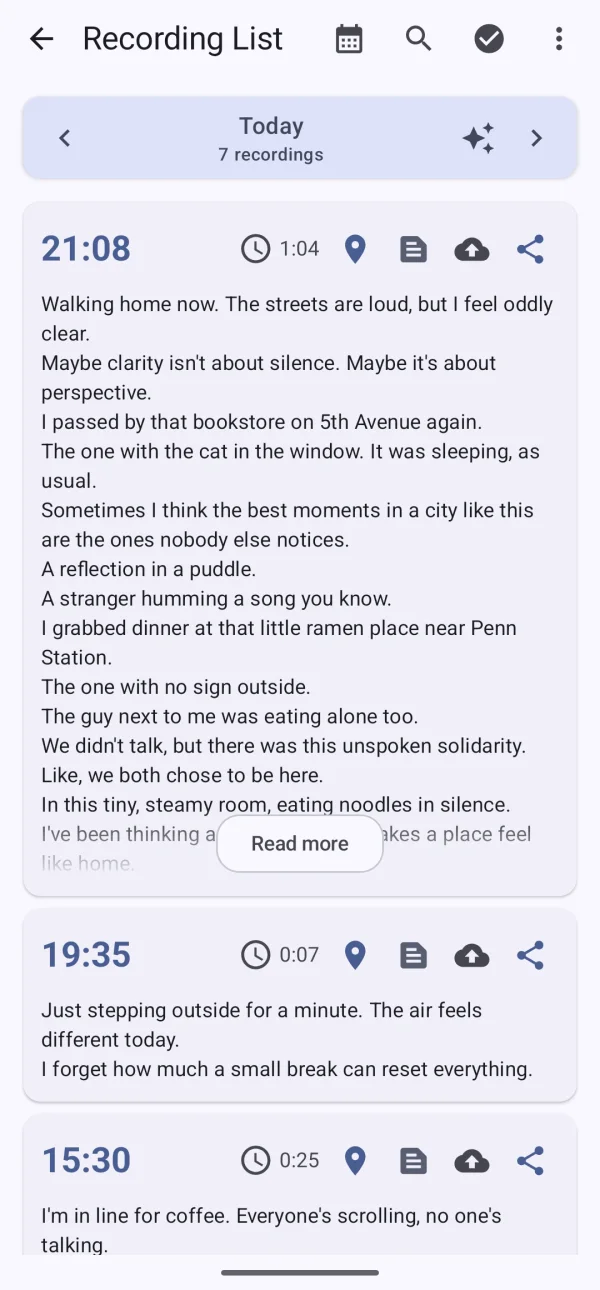
Automatic transcription can run on your device. Read, edit, and search what you said without having to replay every recording.
KEEP
Keep it in Drive and Markdown
Sync recordings with Google Drive and export transcriptions as Markdown, ready for the notes and tools you already use.
In use
IN MOTION
A thought in the middle of a ride
Call Voxment from the intercom, speak without touching the phone, then return to navigation.
RIDE
THINKING
Thinking aloud on a walk
Walking unties your words. The monologue of thinking-while-moving — preserved as is.
WALK
QUIET MOMENTS
When you would rather type
On a train or in a quiet room, add a text memo. Find, edit, and share it alongside your voice recordings.
WRITE
Your next thought. A good place to start.
Available for Android. Install it, then try a long-press of your power button.